
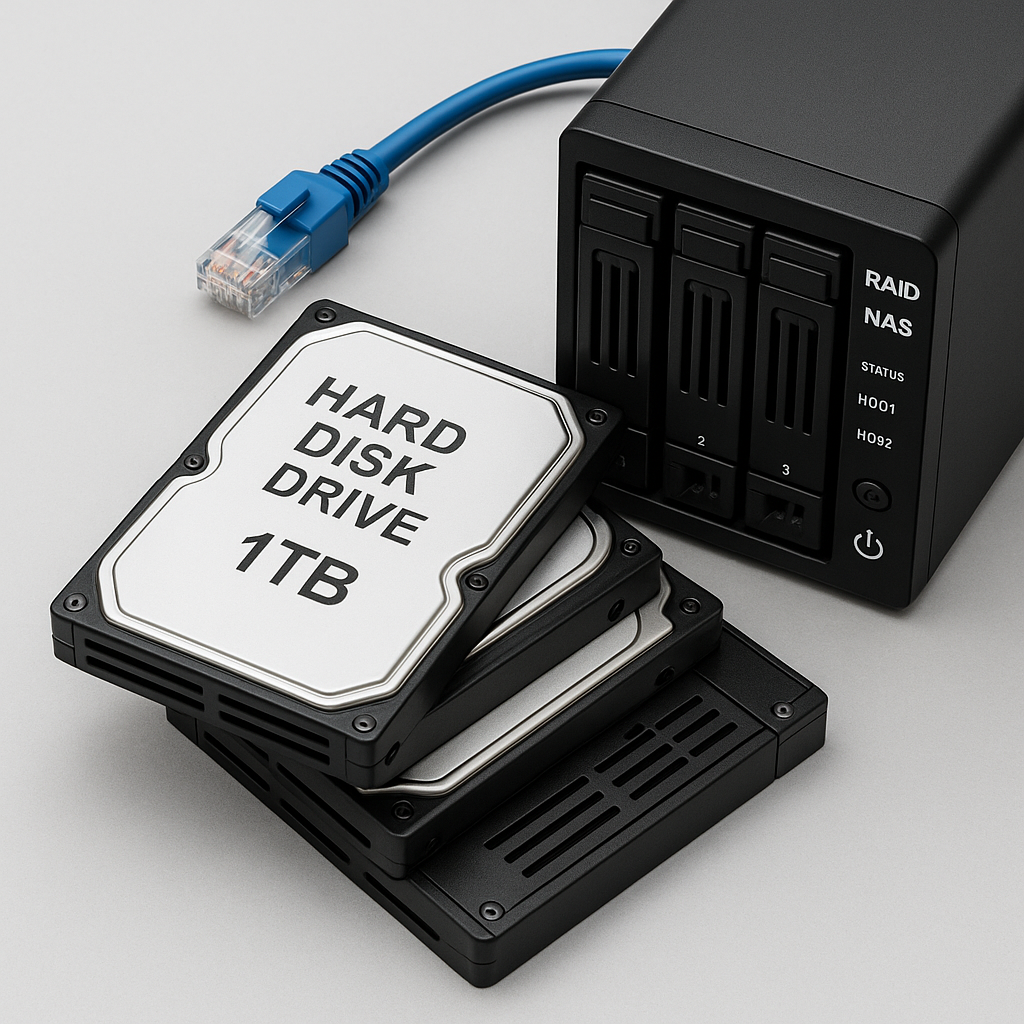
RAID systems are built for redundancy and reliability—but they’re not bulletproof. When a RAID array fails, it often happens without warning. Whether you’re running a RAID 0 for speed or a RAID 5 for data protection, a single wrong move after failure can turn recoverable data into a total loss.
 Common RAID Failure Scenarios
- Sudden power outage or surge
- Two or more drives fail in a RAID 5 or 6
- Accidental RAID rebuild or initialization
- Degraded volume ignored too long
- Corrupted RAID controller or firmware
 What NOT to Do After a RAID Failure
- Do NOT attempt a rebuild unless you know 100% which drive failed
- Do NOT reformat or initialize the array—it may overwrite recoverable data
- Do NOT try DIY recovery tools on a RAID—RAID logic is complex and error-prone
 What to Do Instead
- Power down the system immediately to prevent further damage
- Label the drives in the exact order they were connected
- Contact a RAID recovery specialist (like PCS Recovery)
The sooner you act, the higher the chance of full recovery—especially with multi-drive or enterprise arrays.
 How PCS Recovery Handles RAID Failures
- We clone all drives before any work begins
- Logical RAID reconstruction in a lab environment
- Support for RAID 0, 1, 5, 6, 10, 50, 60, NAS, and SAN systems
- Transparent pricing and no charge if data isn’t recovered
Whether you’re a small business with a Synology NAS or an enterprise with a Dell PowerEdge, we’ve seen it all. We recover data from failed RAID arrays nationwide—safely, securely, and fast.
 Contact Us Before It’s Too Late
If your RAID has failed, stop what you’re doing and submit a case now or call us at (716) 539-9555.