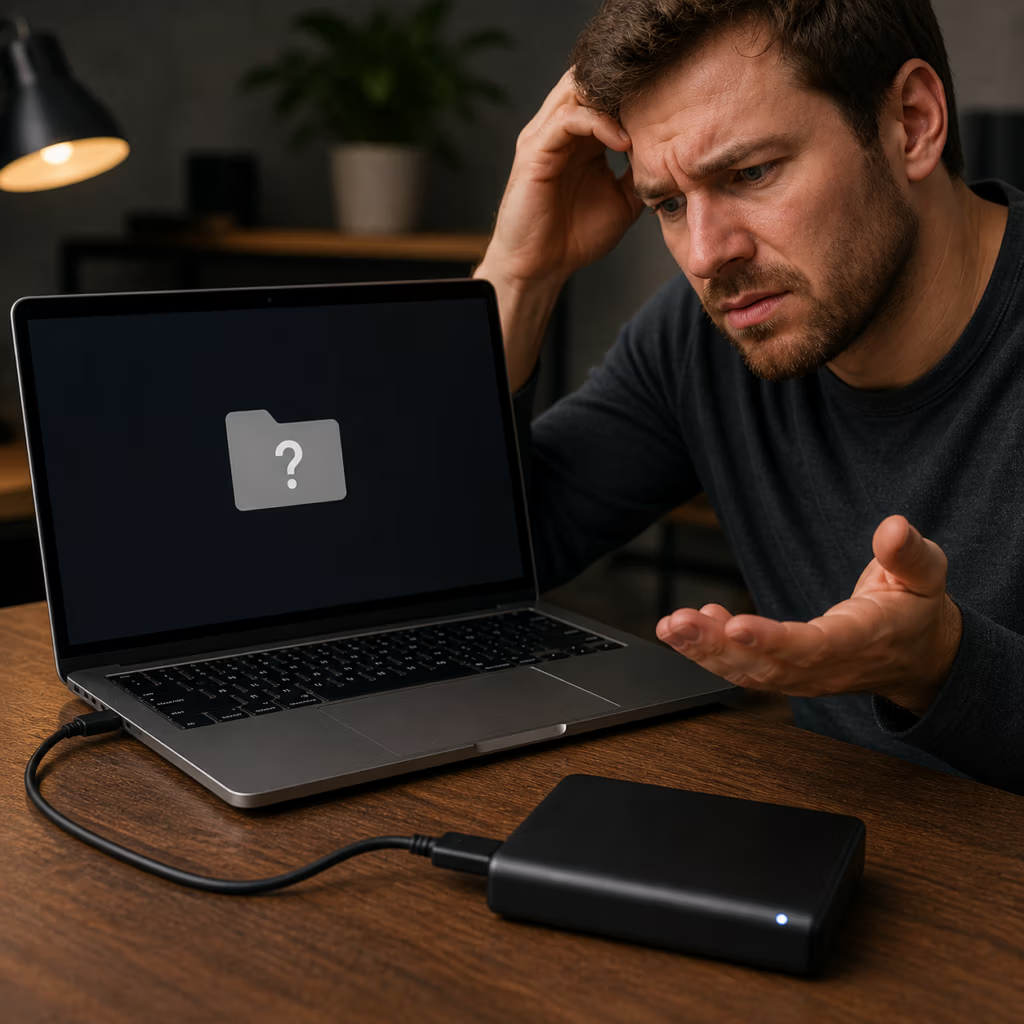
External hard drives often hold years of photos, videos, work files, backups, and personal documents. If your external drive is clicking, not showing up, asking to format, or disconnecting, PCS Data Recovery can help recover the data safely.
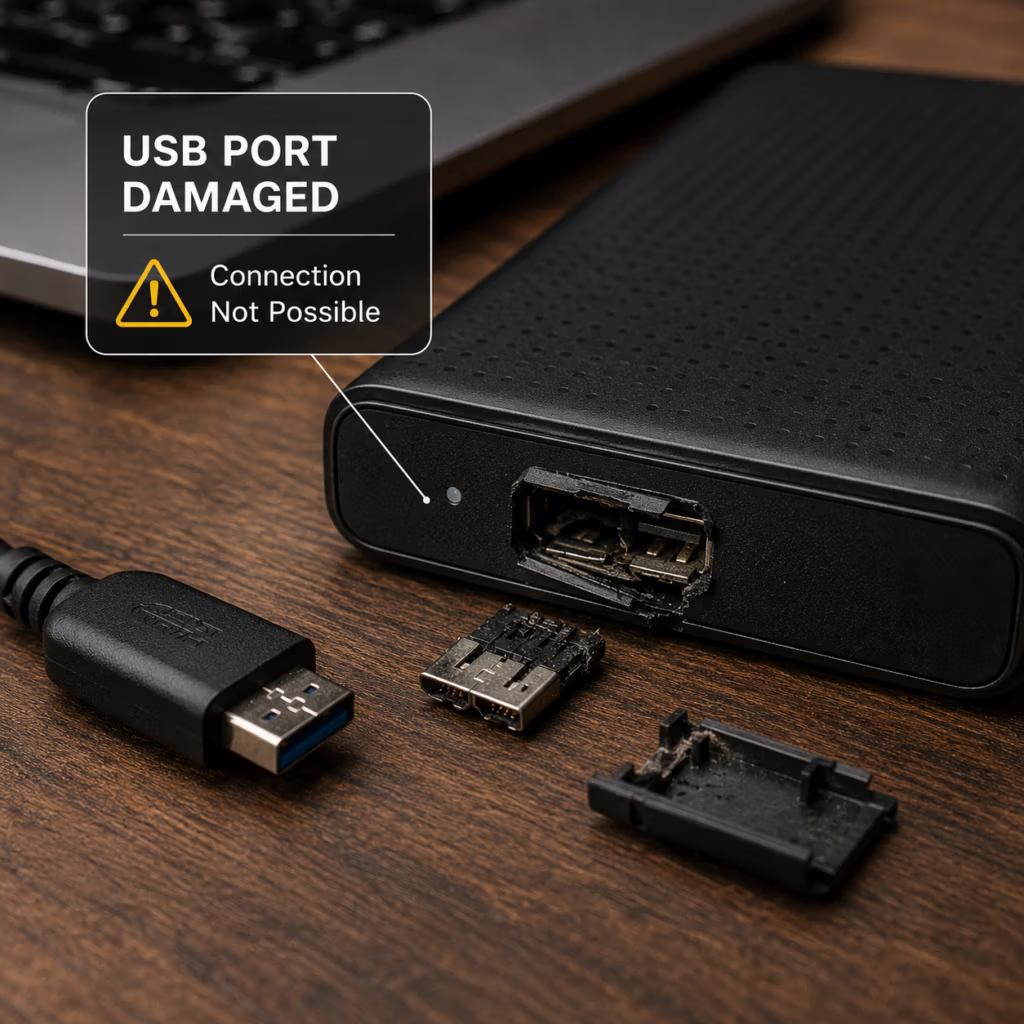
External drives may fail because of a dropped enclosure, damaged USB port, failing internal hard drive, bad sectors, file system corruption, power surge, or accidental formatting.
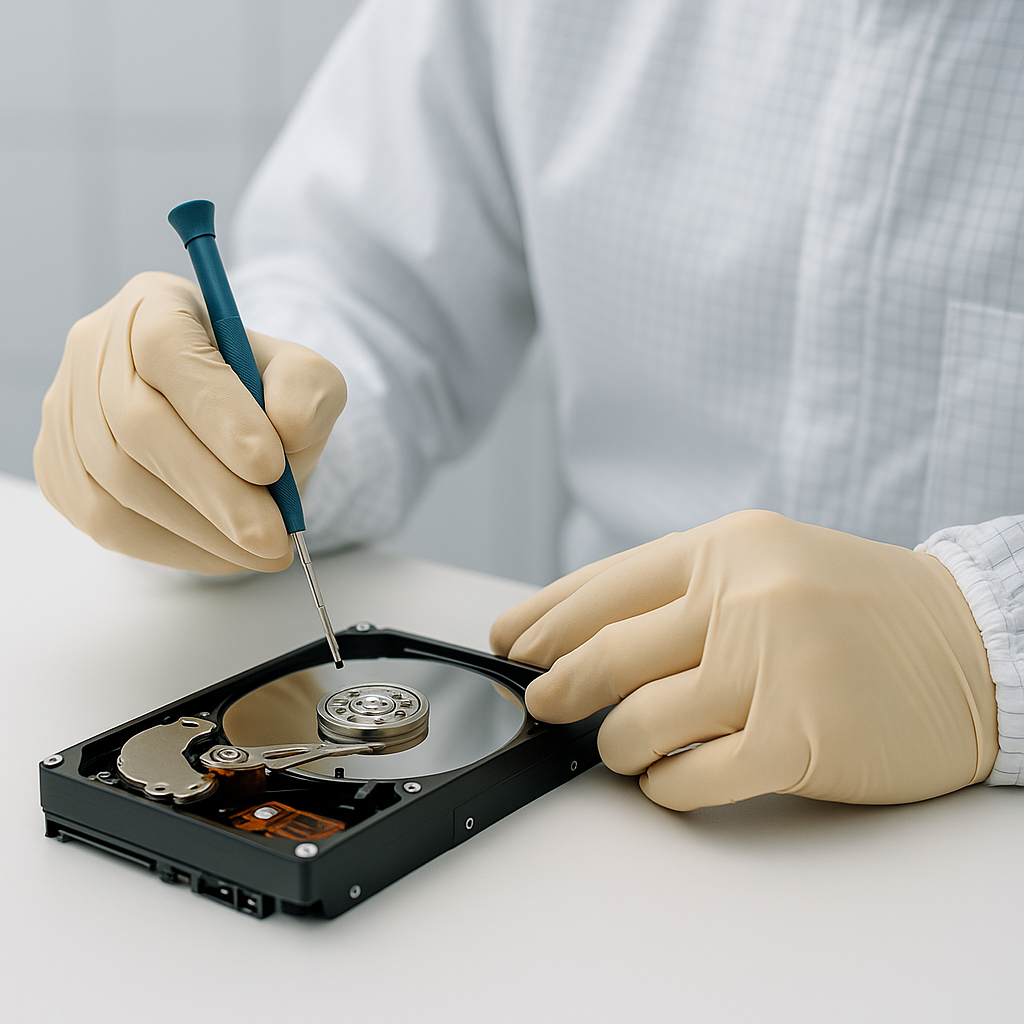
Sometimes the enclosure or USB bridge fails while the drive inside still has recoverable data. Other cases involve physical drive failure and require more careful recovery work.
Repeated attempts can make the problem worse, especially if the drive is clicking or disconnecting. Avoid formatting, repair utilities, and repeated scan attempts.
Free evaluations, clear communication, safe handling, and no recovery fee if the data is unrecoverable. Call PCS Data Recovery at (716) 539-9555 or start a recovery case online.